Chapter 4
Permission matrix
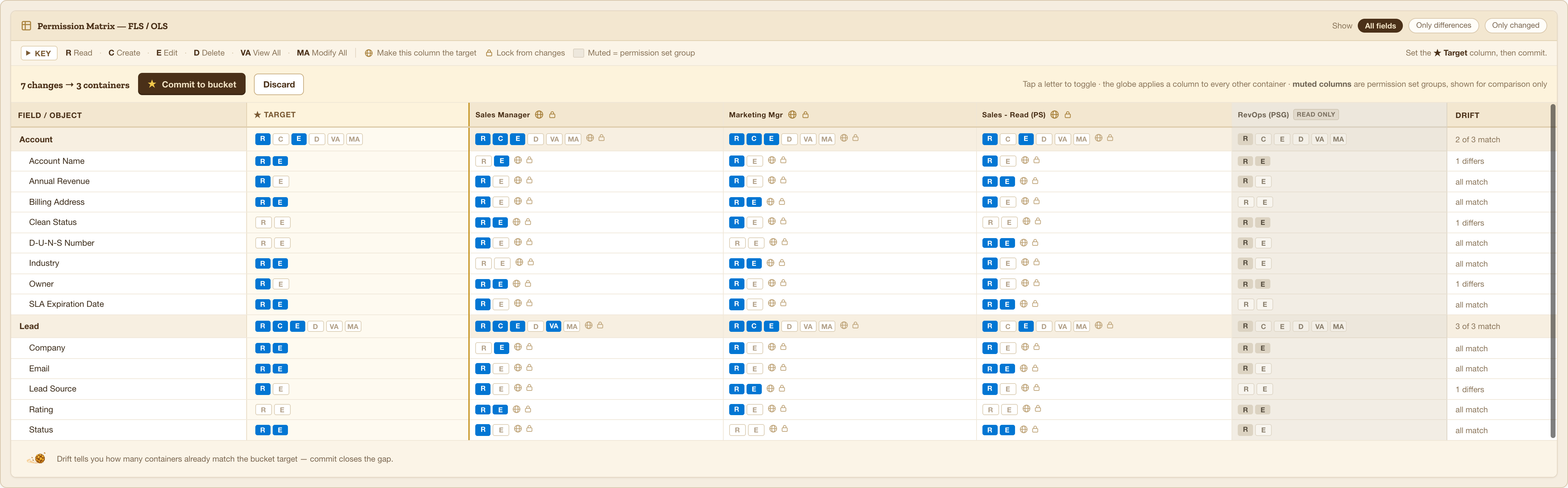
One row per object, then one row per field. The gold-ruled column is what you want; the columns beside it are what each container has today.
Reading a row
Object level — the object’s own row:
| R Read | C Create | E Edit | D Delete | VA View All | MA Modify All |
Field level — one row per field: R Read and E Edit.
A pill that is filled is granted. A pill with a gold ring is one you have changed and not yet committed — that ring is the change preview, and it disappears when the value matches the org again.
Buckley keeps your choices valid
You cannot save a combination Salesforce would reject:
- Every object permission needs Read, so Read stays on while anything else is on.
- A field can only be Read or Edit if its object is readable.
- Edit on a field turns on Read for that field.
- Fields that cannot carry field-level security — required, system, master-detail — are skipped entirely rather than shown as disabled.
The container columns are editable
This is the part people miss. Each container’s column starts on what that container has in the org, and you can change it directly. One profile can differ from the bucket target without leaving the bucket.
Two controls make that quick:
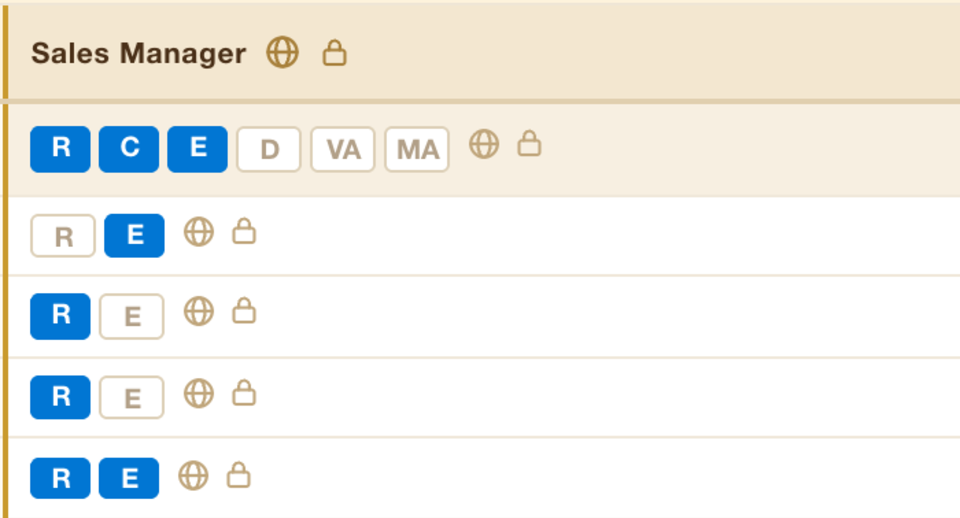
- The globe promotes a container’s own value up to the bucket target, and every other column follows. Use it when one container is already right and you want the rest to match it.
- The lock holds a column where it is. A locked column ignores the target and ignores promotes — it is how you keep one profile out of a change without taking it out of the bucket.
The key bar above the table explains every mark in the grid. It stays collapsed until you open it, and remembers which way you left it.